

Inventory
Know What You Own
Whether for insurance, moving, or simply peace of mind, HouseDesk’s Inventory module gives you full control over your belongings.
Organize your home assets
Add your items with photos, category, purchase date, value, and status. Attach related documents such as invoices, warranties, or manuals — all neatly stored and accessible whenever you need them.
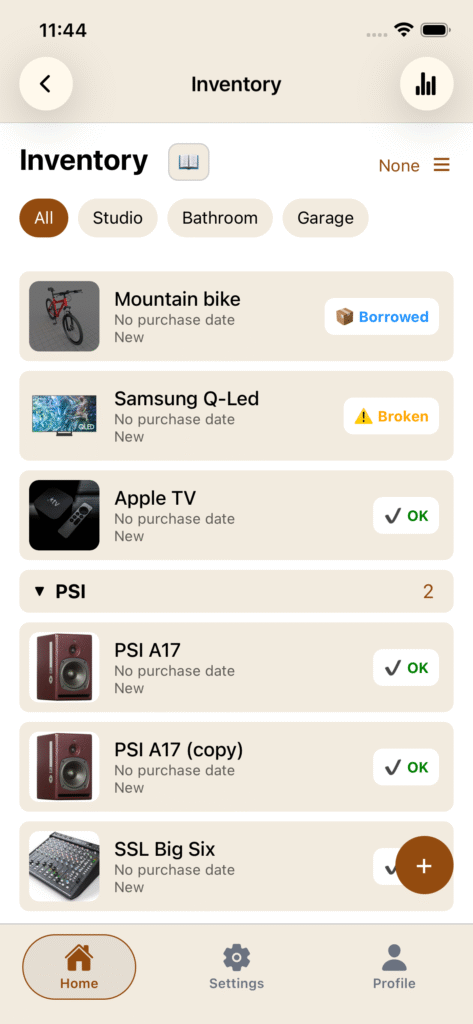
Find what you need, faster
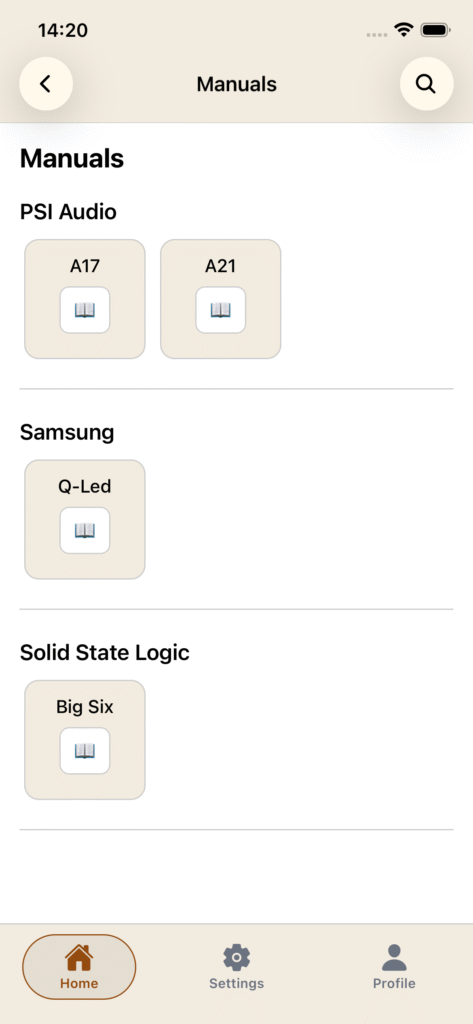
Quickly locate any manual, view all warranties, and monitor the status of your possessions.
The built-in statistics page provides insights into your household’s total value and categories at a glance.
Be ready for anything
Export your entire inventory as a PDF report — perfect for insurance claims or emergencies (Premium only). Keep your home documented and your mind at ease.
Key highlights
- Add detailed items with photos and documents
- Centralize warranties, manuals, and purchase info
- Generate PDF exports for insurance or backups (Premium)
- View all manuals in a dedicated section
- Access visual statistics and summaries
How to ?
Categories and groups
You can directly add categories and groups from the floatting button on the bottom right of the page.
You can add an object or a group to a category. As group are directly put into categories (if you choose to), you can add a recipe to a group but no more to a category if a group is choosed.
Subcategories are working exactly the same as categories.